Summarize with AI
Which editor do I have?
Your app is designed in Hub under User Interfaces → Web & App. There are two editors behind that menu, and your business uses one of them. We are moving businesses to the new editor one at a time, so for a while some businesses have the classic one and some have the new one.
Open User Interfaces → Web & App and look at what appears.
You have the new editor if…
- Your app is shown on a phone in the middle of the screen.
- A narrow bar of icons runs down the far left: Screens, Blocks, Navigation, Popups, Theme, Wording, Templates.
- A Publish button sits at the top right.
- You click something on the phone to change it.
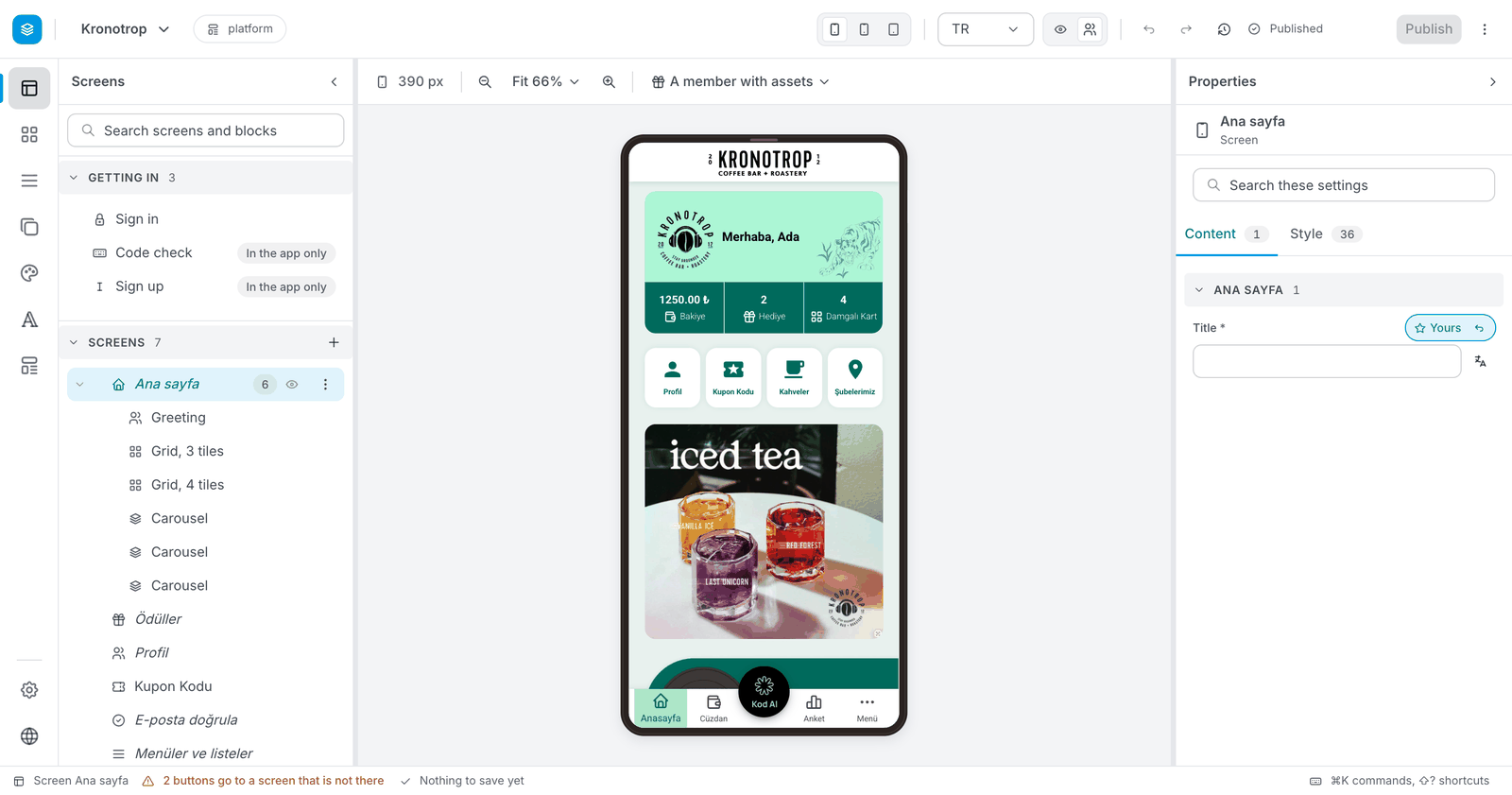
➡️ Go to The New Editor.
You have the classic editor if…
- A list of six areas runs down the left: Theme & Brand, PWA, App Settings, Popups, Screens, Advanced.
- The right side is a form of settings, not a phone.
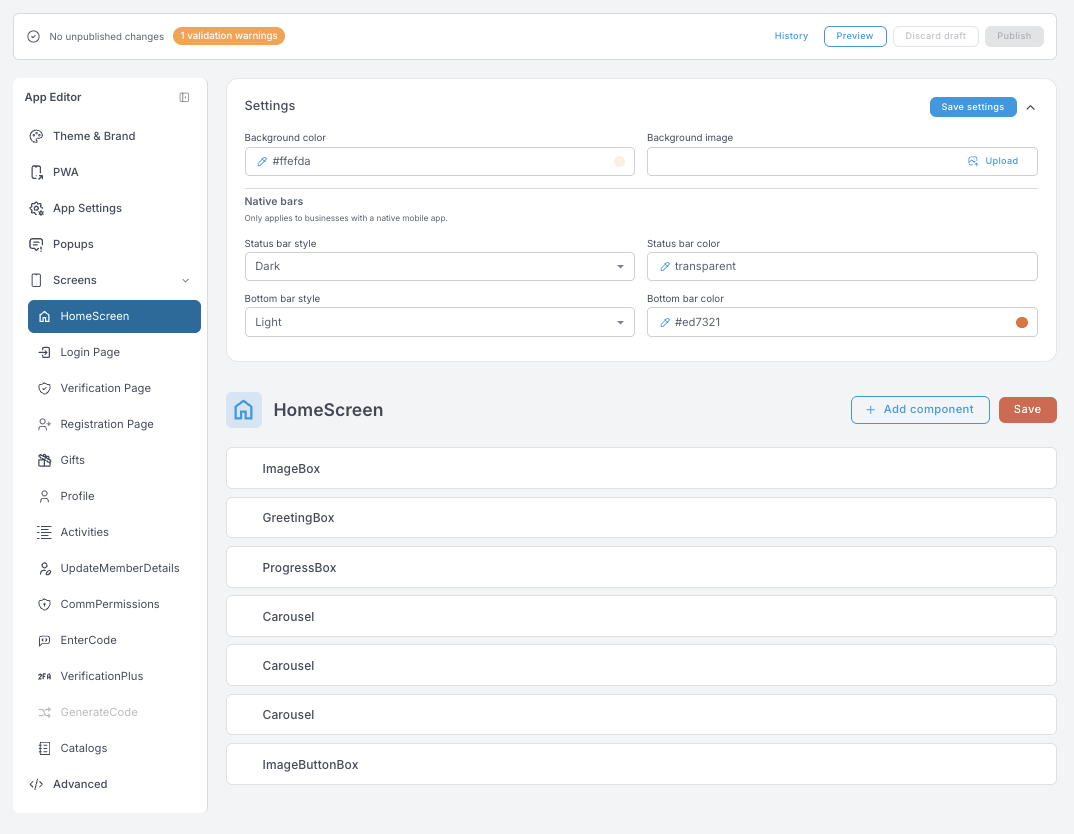
➡️ Go to The Classic Editor.